Installation
Applies to Dungeon Architect 3.7 · Unreal Engine
Install the plugin
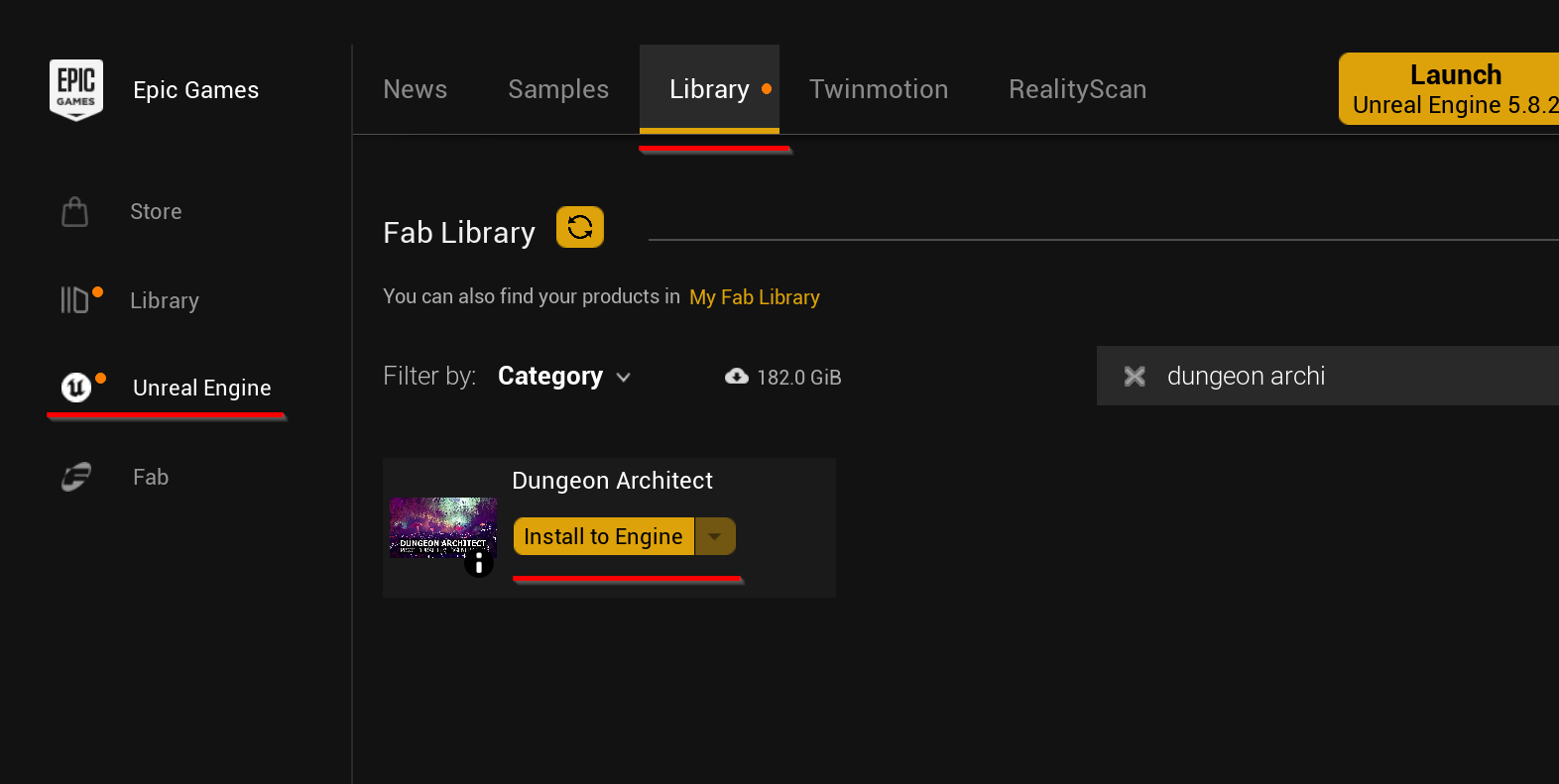
Section titled “Install the plugin”- Open the Epic Games Launcher and go to Unreal Engine → Library.
- Under Fab Library, search for
Dungeon Architect. If it isn’t listed yet, click the refresh button next to the heading. - Click Install to Engine.
- Pick your engine version in Slot to add plugin to, then click Install.
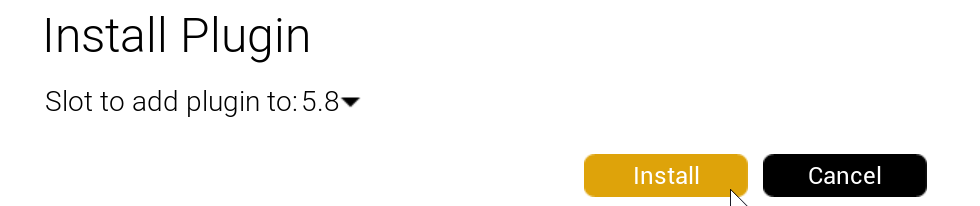
Repeat this for each engine version you use.
Enable it in your project
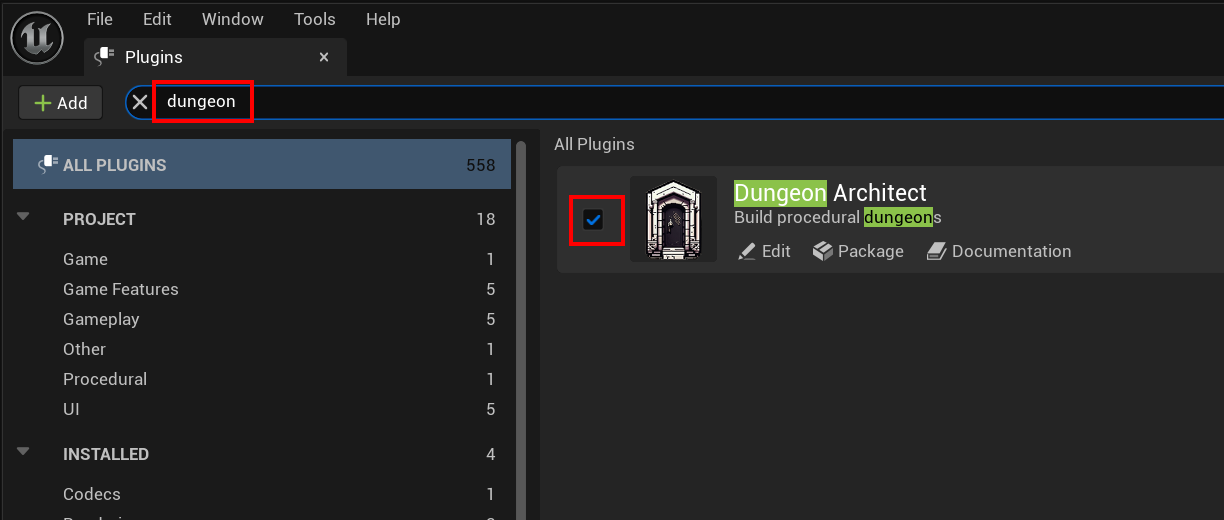
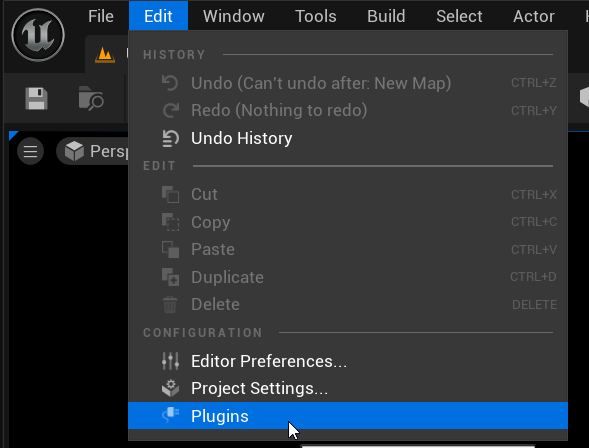
Section titled “Enable it in your project”Open your project and go to Edit > Plugins in the main menu.
Search for dungeon and make sure the Dungeon Architect plugin is checked.